
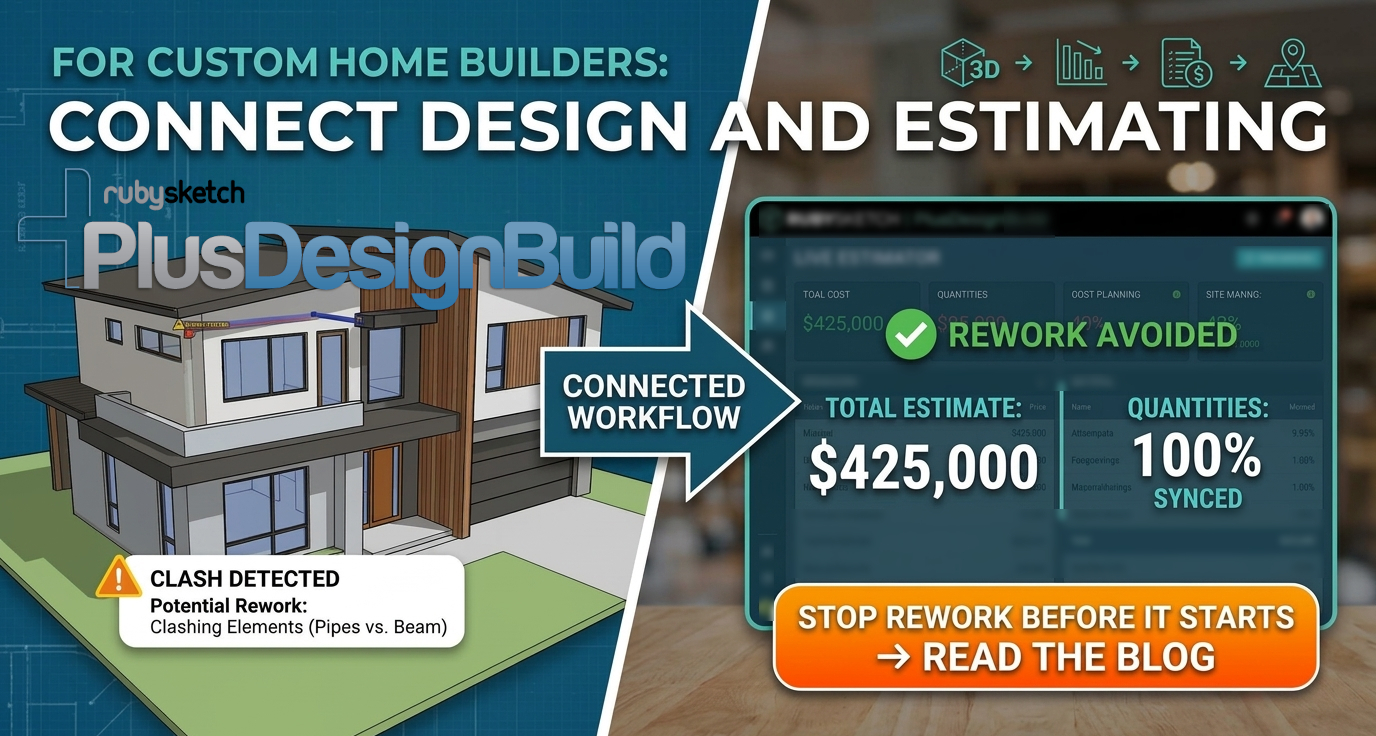
Rework costs custom home builders thousands of dollars and countless hours every year. When design and estimating live in separate silos, mistakes slip through and plans clash on site. But with PlusSpec’s integrated BIM software, you connect design and estimating in one model, cutting errors before they happen. Let’s explore how this connected workflow sharpens your estimating accuracy and keeps projects on track.
Integrating Design and Estimating
Connecting design and estimating is a game-changer for custom home builders. This approach enhances accuracy and efficiency, eliminating costly errors and rework.
Importance of a Connected Workflow
A connected workflow means every part of your process talks to each other, from initial design to final estimates. When everything is in sync, you can avoid surprises. This seamless connection helps prevent errors and ensures that what you plan is what you build. It makes managing projects smoother, cutting down on the back-and-forth that usually happens. Imagine knowing exactly how every design choice impacts your costs. That’s the power of a connected system!
Benefits of 3D BIM for Builders
3D BIM software is like having a crystal ball for your project. You can see everything in detail before breaking ground. This means fewer mistakes and better planning. Builders can visualize the entire project, which helps in making informed decisions. By using 3D models, you can predict issues and fix them early. This saves time and money, making your projects more profitable. Plus, clients love seeing their future home in 3D before it’s built!
Enhancing Estimating Accuracy
Accurate estimates are crucial for any construction project. With 3D BIM, you get precise numbers every time. This software takes the guesswork out of estimating by providing you with detailed data. When your estimates are accurate, you can avoid budget overruns and keep your clients happy. Having reliable numbers also means you can make better decisions about materials and labor. This accuracy boosts your bottom line and reputation in the industry.
Reducing Rework with PlusSpec
PlusSpec is your secret weapon against rework. Its features help builders streamline processes and minimize costly errors.
Live Quantity Takeoff and Cost Planning
Imagine having real-time access to quantities and costs as you design. PlusSpec makes this possible with live quantity takeoff. You can see how changes in design affect your budget instantly. This feature helps you plan more effectively and avoid nasty surprises. By knowing your costs upfront, you can make better decisions and keep your project on track. It’s like having a financial advisor built into your design software!
Streamlining Communication and RFIs
Effective communication is key to any successful project. With PlusSpec, you can streamline your communication and reduce requests for information (RFIs). The software keeps everyone on the same page, from architects to contractors. This reduces confusion and speeds up decision-making. By having a single source of truth, you minimize the chances of misunderstandings. This clear communication path saves time and prevents costly mistakes.
Clash Avoidance and Change Management
Clashes in design can lead to expensive rework. PlusSpec helps you spot these issues before they become problems. Its clash avoidance feature ensures that all elements fit perfectly. When changes are necessary, the software manages them efficiently, updating all related aspects automatically. This ensures that you can adapt to changes without derailing your project. With PlusSpec, you handle changes like a pro, maintaining control and confidence.
Implementing PlusSpec for Success
Transitioning to PlusSpec is straightforward, with resources available to ensure you hit the ground running.
Tailored Training and Onboarding
PlusSpec offers personalized training to suit your needs. This ensures that you and your team quickly get up to speed. From beginners to experienced users, training is designed to make you proficient fast. You’ll find that learning to use PlusSpec is not only easy but enjoyable. The support provided ensures you’re never left in the dark, making the transition smooth and stress-free.
Utilizing PlusDesignBuild and PlusArchitect
These powerful tools within PlusSpec maximize your design capabilities. PlusDesignBuild is perfect for builders, providing everything needed for construction. PlusArchitect offers design professionals the tools to create stunning and accurate designs. Both solutions integrate seamlessly, ensuring that you can work efficiently and effectively. By utilizing these tools, you enhance your workflow and deliver superior results.
Accessing BIMbits and Material Library
The BIMbits and Material Library offer extensive resources to enhance your projects. You have access to a wide range of materials and pre-designed components, making design quick and easy. This library saves time and boosts creativity by providing everything you need at your fingertips. By using these resources, you ensure that your designs are detailed and accurate, reducing the likelihood of errors.
Frequently Asked Questions
What is PlusSpec?
PlusSpec is a comprehensive 3D BIM software solution designed for the construction industry. It integrates design, estimating, and construction processes to enhance productivity and accuracy.
How does PlusSpec reduce rework?
PlusSpec connects design and estimating, allowing for real-time quantity takeoff and cost planning. This integration helps prevent errors and keeps projects on track, reducing the need for rework.
Why is a connected workflow important?
A connected workflow ensures that all parts of a project are synchronized. This reduces errors, enhances communication, and leads to more accurate estimates, ultimately saving time and money.
What are the benefits of using 3D BIM software?
3D BIM software allows builders to visualize projects in detail before construction begins. This helps identify potential issues early, leading to better decision-making and reduced errors.
How can I learn to use PlusSpec effectively?
PlusSpec offers tailored training and onboarding to ensure users become proficient quickly. This personalized support helps users maximize the benefits of the software in their projects.